
In the early years, computers and other devices were connected via RS-232 and RS-422 interfaces, but by the nineties these had become almost impossible to use, due to the various kinds of hardware and software handshaking employed and a lack of standardised connectors.
In 1996, the Universal Serial Bus appeared, using a 4-wire cable with a rectangular Type A plug at the computer end and a square Type B plug engaging with a peripheral, conveying power at 5 V and data at 1.5, 12 or 480 Mbit/s, as defined by the USB 1.0 (Low Speed), USB 1.1 (Full Speed) or USB 2.0 (High Speed) standards.
Unfortunately, these connectors were far too large for some peripheral devices, such as MP3 players and cameras, so alternatives began to appear, such as Mini-USB Version A (now obsolete), Mini-USB Version B and Micro-USB.
By 2008, advances in technology demanded speeds greater than 480 Mbit/s. To do this, five extra contacts were added to both the original Type A and Type B designs, allowing data to travel in both directions at once, the cable now containing a total of nine wires. Sockets of both types accepted the original USB plugs, but the new Type B version could only be inserted into the new version of socket, since the plug had an extended top section. A similar situation existed with the Micro-USB connector, which was extended in a similar manner.
This new variant of USB could convey data at 5 Gbit/s or 10 GBit/s, as defined by the USB 3.0/USB 3.2 Gen 1 (SuperSpeed) and USB 3.2/USB 3.2 Gen 2 (SuperSpeed+) standards. Although backwards compatible with earlier versions of USB, it also provided more power, a maximum of 0.9 A (4.5 W), compared with USB 1.0 and 1.1, which were restricted to 0.5 A (2.5 W).
Looking at the above situation, it can be seen that things had got into something of a mess, yet again. The time had come to clear the decks and design something more suitable for the future.
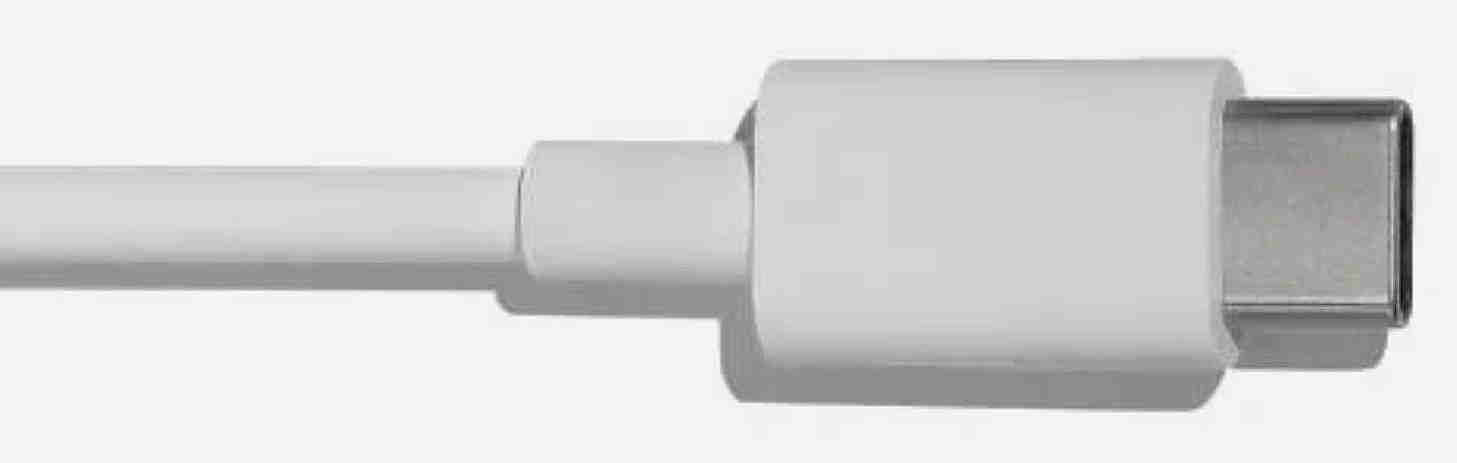
The USB Type C connector replaces the Type A and Type B varieties (USB 2.x and 3.x versions), Mini-USB Version A, Mini-USB Version B and Micro-USB (USB 2.x and 3.x versions), a total of eight different connectors. Fortunately, most devices with older connectors can be joined to a USB-C computer by means of an adapter cable. And with the MIDI 2.0 specification effectively deprecating the older DIN standard of MIDI interface, it may replace the latter as well.
Both ends of a USB-C cable are male with the data wires swapped. The cable can be reversed end-for-end or the plugs inserted either way into a socket without having any effect on the the connection. The same connector is used for computers and peripherals. Here is the pinout for a socket fitted to any USB-C device:

USB 3.2 Gen 2x2 (SuperSpeed 20 Gbit/s), also known as USB 20 Gbit/s, as well as faster versions of USB, can only be implemented using this new connector, employing the dual 10 Gbit/s data lanes, shown as TX1 and TX2 in the above diagram. The D (Data) pairs are used for USB 2.0, maintaining compatibility with older devices, whilst the individual SBU (Sideband Use) circuits provide auxiliary data or can be used in alternate modes, and the individual CC (Configuration Channel) pins establish the type of connection or are used for power control. Power itself is supplied along the VBUS (Voltage Bus) pins with the GND (Ground) pins connected to the (0V) zero volts line and usually joined to the screen of the cable.
USB 4 gets to 40 Gbit/s by doubling the data lane speeds and supports Thunderbolt 3, which is electrically the same. It does not incorporate Thunderbolt 4, although the latter is built on top of USB 4. The next level, known as USB 4 Version 2.0 or Thunderbolt 5, can reach 80 Gbit/s, with backwards compatibility with Thunderbolt 3 and Thunderbolt 4, as well as the original USB 4.
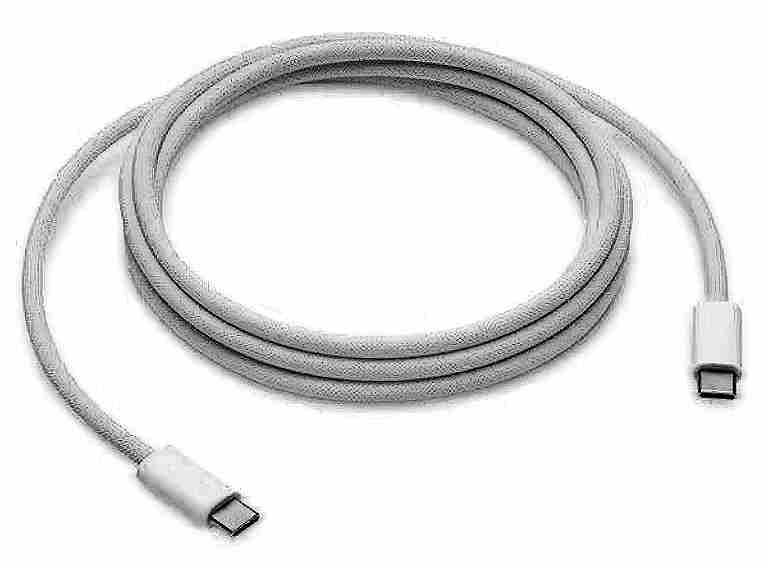
Although the USB-C connector is standardised, not all devices or cables support every function. In order to use a USB-C connection for a particular purpose you must ensure that both devices and the cable are designed for what you want to.
The following cables types may be encountered:
The maximum distances shown above are on the safe side, with longer lengths possible in some instances, although speed may be compromised. A passive cable designed for a certain speed may also work at a higher rate, whilst an active cable made for a higher speed may also work at a lower rate. In any event, using an unsuitable cable is very likely to give a slower than expected speed. And, if necessary, optical cables can be used to cover much longer distances.
A power supply or source, sends its output to a destination, sometimes known as a sink. In older USB devices the source had a Type A connector and the sink had a Type B socket, although things sometimes got confused, requiring a cable with a Type A plug at both ends. With such early devices, the power available was often set by the supply itself, although later equipment used PD (Power Delivery) version 1.0, with negotiating signals sent over the power wire, thereby accommodating voltages of 5, 9, 15 and 20 V at currents of up to 5 A.
As all USB-C connectors are the same, without any distinction between source and sink, an alternative method is needed for identification. To avoid power being sent to an unsuitable destination, a USB-C power source must not provide power until it has identified that it is connected to a suitable power sink. Any USB-C source that provides power on its pins prior to connection is non-standard, and could cause problems. USB-C also uses it own PD 2.0 standard, with the same capacity as PD 1.0, or a higher version of PD, to negotiate power levels.
When a cable is connected between two USB-C devices the CC pins are used to determine the orientation of the plugs at each end and to set the state of a device to be either a source or a sink. A typical USB-C PD source contains two resistors, which are named Rp, connected between + 5 V and each CC pin. The value of these resistors is related to the supply’s power capacity as follows:
| Rp (5 V) | Current | Power |
|---|---|---|
| 56 kΩ | 0.5 A | 2.5 W |
| 22 kΩ | 1.5 A | 7.5 W |
| 10 kΩ | 3 A | 15 W |
When using a different supply voltage the resistors can have alternative values, or a constant current source may be used instead. For a 3.3 V supply, for example, these resistors values are reduced to 36 kΩ, 12 kΩ and 4.7 kΩ respectively. Note that a supply of 0.5 A is considered the ‘legacy’ current rating, even though many vintage Type A chargers are capable of a greater output.
Similarly, a sink device also has two resistors, named Rd, but of a fixed value of 5.1 kΩ and connected between each CC pin and GND (ground), the latter also known as 0 V (zero volts).
For a source-to-sink connection to work the Rp resistor in the source must be connected via the appropriate CC pin to the Rd resistor in the sink, creating a voltage on the pin of between roughly 0.41 V to 1.75 V, which can be detected by both devices. If two source devices are joined together the CC pin remains at a high voltage, whilst connecting two sink devices leaves it at 0 V. This mechanism ensures that power is only supplied when a source is connected to a sink.
This expanded table shows the approximate voltages that should appear on the CC pin:
| Rp (5 V) | Current | Power | CC Voltage |
|---|---|---|---|
| 56 kΩ | 0.5 A | 2.5 W | 0.41 V |
| 22 kΩ | 1.5 A | 7.5 W | 0.92 V |
| 10 kΩ | 3 A | 15 W | 1.65 V |
Sources that provide more than 3 A are required to use PD (Power Delivery) technology (see below), even though they are fitted with same value of Rp as a 3 A supply.
An adaptor cable for older power supplies, with a USB Type A connector at one end and a USB-C connector at the other should always incorporate a 56 kΩ resistor, so as to inform the USB-C device that it’s connected to a ‘legacy’ supply with a limited capacity of 0.5 A.
You may encounter a sink device that lacks any 5.1 kΩ resistors, meaning that a source will refuse, quite correctly, to provide power. This is a reminder to manufacturers that simply providing a USB-C connector is not adequate. It must also comply to USB-C standards. The problem can be solved by fitting the necessary pair of resistors within the sink device, a tricky job in many instances, or by using a ‘resistor fixer’, an inline USB-C adaptor that contains the necessary resistors. Such an adaptor usually supports USB 2.0 only and may have other limitations. Using such a fixer with a sink that already contains resistors will reduce the available power.
Once a PD supply is connected to a sink, serial communication is established on the appropriate CC pin, allowing the source and sink to agree a voltage and power rating suitable for both devices. If the source is inadequate the sink may refuse to take power or power may be accepted at a lower level, meaning, for example, that batteries may take longer to charge.
The connection must conform to one of the the PD standards, often with optional extras such as PPS (Programmable Power Supply), for both PD 3.0 and PD 3.1, and APS (Adjustable Power Supply), which is used in PD 3.1 (EPR), where EPR stands for Extended Power Range.
The full range of options are:
| PD 2.0/3.0 | PPS | APS |
|---|---|---|
| 5V/3A 9v/3A 15V/3A 20V/2.25A 20V/3A 20V/5A | 3.3-5.9V/3A 3.3-11V/3A 3.3-16V/3A 3.3-21V/3A 3.3-21V/5A | 15-28V/5A 15-36V/5A 15-48V/5A |
The maximum power levels are 100 W with PD 3.0, 105W with the addition of PPS and 240 W when using APS.
USB-PD also accommodates FRS (Fast Role Swap), allowing devices to swap being a source or sink, thereby preventing loss of data in the effect of a supply failing, as well as Alternate Modes, which allow the USB-C port to be used for video purposes, including DisplayPort Alt Mode.
USB-C allows you to easily connect two digital devices for the transfer of data or power, but prior to use you should always check that both pieces of equipment and the cable itself support the necessary protocols. For example, if you want to connect two items via Thunderbolt 5, you should check that the cable is marked ‘⚡️ 5’, or, if you want to convey a high amount of power, that the cable is marked ‘5 A’ or more to accommodate the extra needs of a device. With the right equipment and cables, USB-C can meet your connection needs way into the future.
©Ray White 2026.